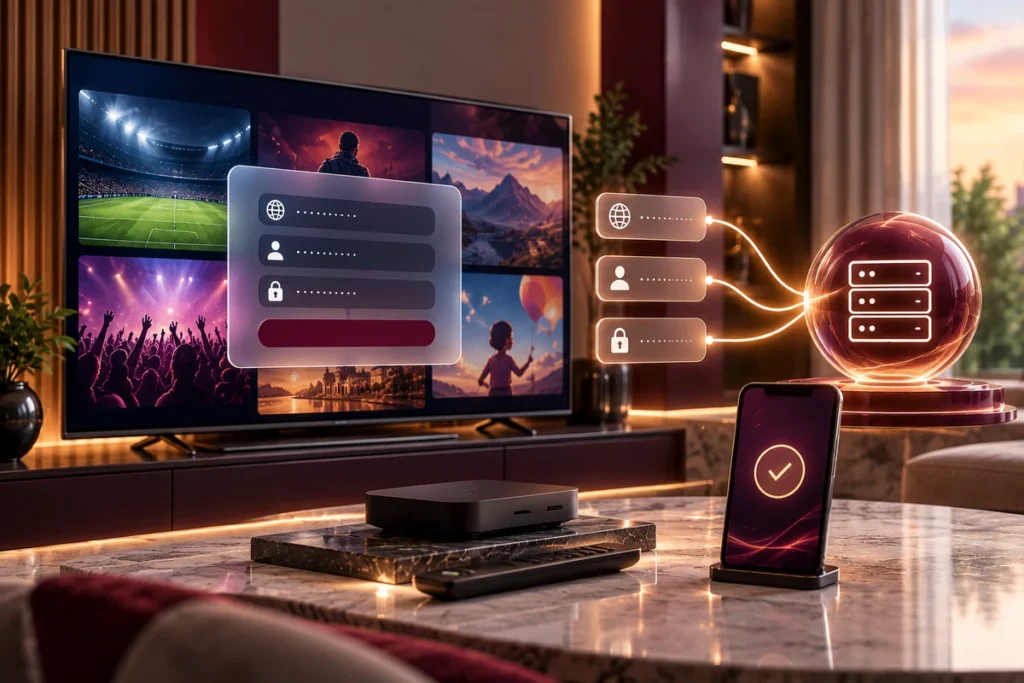
Mega OTT Xtream Codes login uses three details: a server URL, username and password supplied when your account or trial is activated. Enter them in an IPTV player that supports Xtream Codes API, then let the app load the live TV and on-demand categories available to your subscription.
This guide covers Mega OTT customer login on compatible players, including TiviMate on Android TV or Fire TV and Smarters-style applications. It does not describe reseller-panel sign-in, which is a separate account.
What you need before logging in
Keep your Mega OTT activation message available and identify these fields:
| Login field | What to enter |
|---|---|
| Server URL | The complete address Mega OTT supplied, including http:// or https:// and a port number if included |
| Username | Your assigned IPTV account username |
| Password | Your assigned IPTV account password |
| Playlist name, if requested | A label you choose, such as “Living Room” |
The Mega OTT website address is not automatically your Xtream server URL. Use the specific address included with your access details rather than guessing a domain or copying a URL from another website.
Copy credentials where possible. Passwords and usernames can be case-sensitive, and a missing character in the host address or port can prevent authentication. Never post a real password or playlist URL publicly.
Mega OTT offers a 24-hour free trial so you can check your setup before purchasing a longer plan.
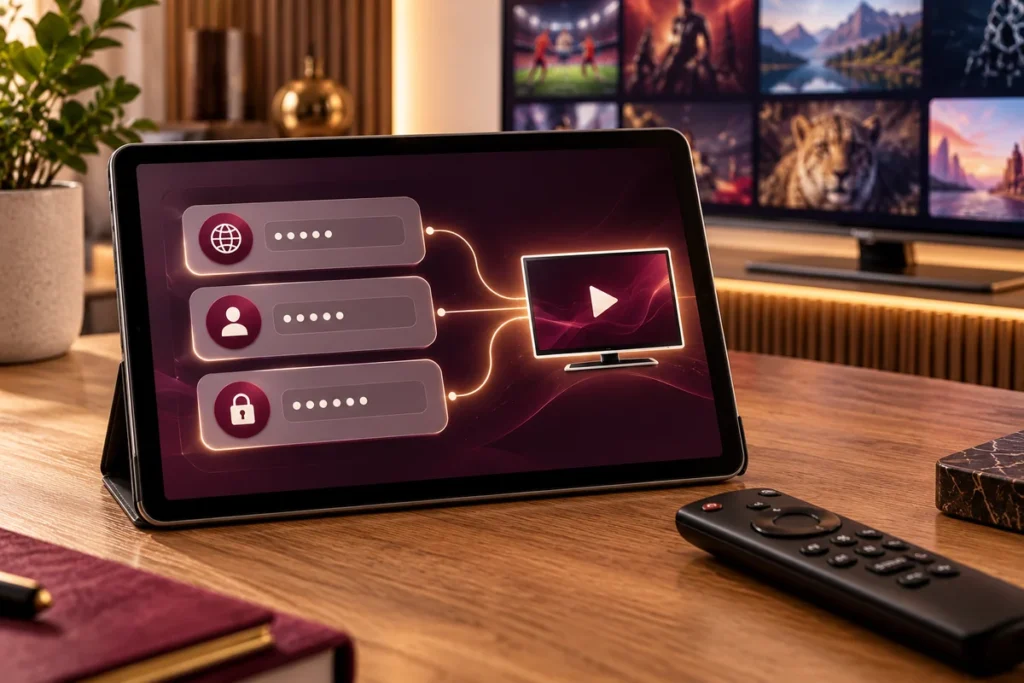
Mega OTT login setup on an IPTV player
First install a compatible player from a source you trust. Mega OTT provides subscription access; the player is the application that displays channels and operates the viewing controls. Some player features or activations are paid separately.
TiviMate on Android TV or Fire TV
TiviMate’s developer listing on Google Play confirms support for Xtream Codes and says the app is intended for Android TV, not touch-screen phones.
- Open TiviMate and choose Add playlist. For an existing installation, look under Settings → Playlists → Add playlist; labels may vary by version.
- Select Xtream Codes.
- Paste your Mega OTT server URL, including the supplied protocol and port.
- Enter your Mega OTT username and password in the matching fields.
- Continue and let TiviMate import the playlist. Name the playlist if prompted.
- Open the available live TV or on-demand sections to check playback.
If you were given an M3U link instead, use the player’s M3U option or request the separate Xtream credentials. Don’t paste an entire M3U link into the server-address field.
IPTV Smarters-style players
The IPTV Smarters setup instructions describe the following flow, although exact screens vary by version:
- Open the supported Smarters player and choose Add user.
- Select Login with Xtream Codes API.
- Enter a display name such as “Mega OTT Home”.
- Fill in the server URL, username and password supplied for your account.
- Select Add user and wait for the player to load the categories.
If you’re using a Samsung, LG or iPhone app, don’t assume it has the same menu as TiviMate or Smarters. Some players accept a playlist URL or require activation through the player’s own website. Tell Mega OTT support your exact device model and app name so the correct login method can be confirmed.
Xtream API login versus M3U or reseller login
An Xtream API login uses separate server, username and password fields. An M3U connection usually uses one playlist link. They are different ways for compatible players to access subscribed content; the right option depends on the credentials issued and the app.
A Mega OTT reseller panel login is not a customer playback login. Resellers use their panel to manage customer accounts, credits and renewals. Customers enter their own streaming credentials in a compatible player. The reseller panel guide explains that distinction.
Mega OTT login not working? Check the symptom
“Invalid details” or “Authorization failed”
Check for wrong capitalization, pasted spaces, an expired trial or an inactive account. Enter the server address exactly as supplied. If Mega OTT provided a port, retain it. Ask support to verify activation if the same details fail in a second compatible player.
“Cannot connect to server” or timeout
Verify that your device has internet access by opening another app. Check the complete host address and whether its protocol is http:// or https://; don’t switch them arbitrarily. Restart the player and test another network if available. If it still fails, tell support the error text, app version and device model.
Login works, but no channels appear
Wait for the initial content refresh, then use the player’s playlist update or refresh command. Check whether you’ve opened the correct playlist when several are saved. If live categories load but movies don’t, report that distinction; authentication and on-demand availability are separate issues.
Playback stops on another device
A successful Mega OTT player login does not automatically permit unlimited simultaneous viewing. Standard advertised packages include one simultaneous stream, while additional concurrent screens are available by arrangement. Compare the connection options before watching concurrently on several devices.
Frequently asked questions
Where can I find my Mega OTT server URL?
Your specific server URL is supplied with your activated trial or subscription login details. It is not the public website address or a universal code shared by every provider.
Can I use the same username and password on another TV?
You may configure compatible devices according to your account terms, but simultaneous playback is controlled by the number of connections in your plan. Confirm your allowance before opening streams together.
Does an IPTV player subscription include Mega OTT?
No. Buying TiviMate Premium or paying for a Smarters-style player does not purchase a Mega OTT IPTV account. Player software and service access are separate.
Should I share my login information when asking for help?
Send your device model, player name and a redacted screenshot of the error. Share credentials only through the provider’s verified private support channel when necessary, not in public comments or forums.
Conclusion
For a Mega OTT Xtream Codes login, the decisive step is choosing Xtream Codes API in a compatible player and entering the exact server URL, username and password issued for your account. If the app rejects the login, distinguish an authentication error from a connection timeout or an empty playlist before changing settings.
If you’re new to the service, request a 24-hour Mega OTT trial and confirm your device and player first. This lets you check that the credentials, app and stream allowance suit your setup before committing to a longer subscription.