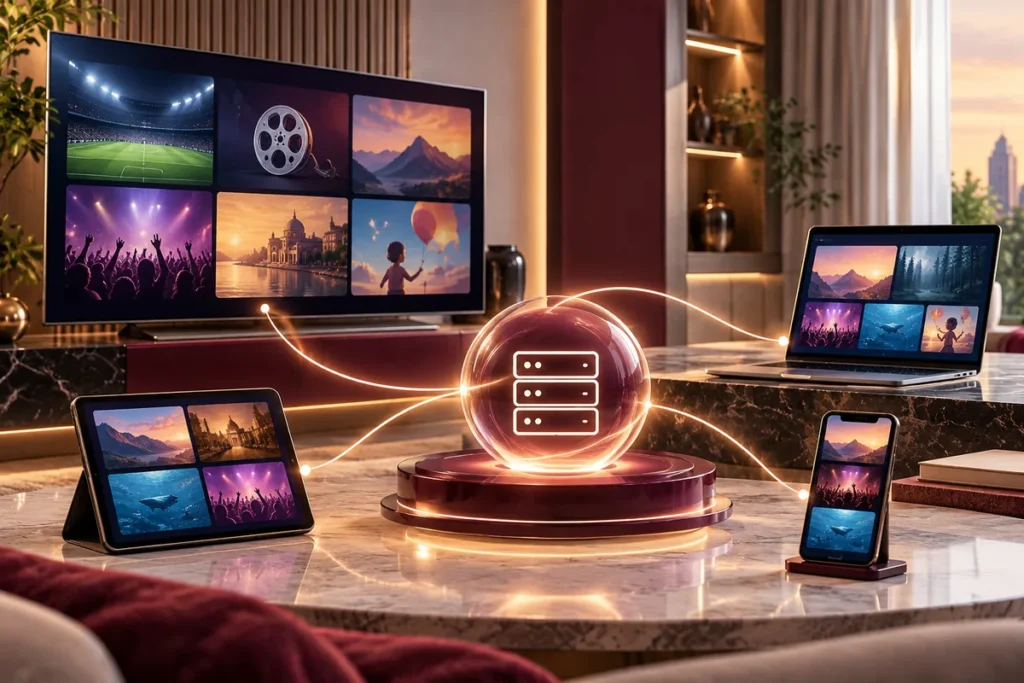
Mega OTT IPTV is a subscription service for live television and on-demand video that users access through compatible IPTV player apps. Its main connection method is Xtream Codes: after account activation, you enter a server URL, username and password into a supported player. Mega OTT also offers M3U connections where appropriate, help with device setup, a 24-hour trial and optional plans for watching on more than one screen at a time.
The important distinction is that Mega OTT provides the subscription; an IPTV player provides the viewing interface. You do not need to mistake the two for the service to work. The following guide explains how Mega OTT works, which features depend on the player, and the difference between one connection and multiple streams.
How Mega OTT works
IPTV, short for Internet Protocol Television, delivers TV or video data over IP networks rather than through a traditional aerial, satellite dish or cable-TV signal. The IEEE’s explanation of IPTV describes the underlying process: video is transmitted as data and decoded by a television, set-top box or software player.
With Mega OTT, the customer-facing process is simpler than the networking behind it:
- Choose a package or request a trial. Select the subscription duration and tell Mega OTT how many screens need to play simultaneously.
- Identify your device. Tell the support team which TV, streaming box, phone or computer you plan to use, along with any player you’ve already installed.
- Receive the account details. After activation, Mega OTT supplies the connection information for the supported login method.
- Add the account to a player. In a compatible app, select the Xtream Codes login option or the M3U option that matches the details supplied.
- Load and check your content. Browse the categories made available to your account, and verify the particular channels or on-demand titles that matter to you.
Because devices and IPTV apps differ, the exact menu labels can vary. The principle remains the same: the application authenticates the subscription and then presents the streams and content information the account can access.
What makes Mega OTT an Xtream-based IPTV service?
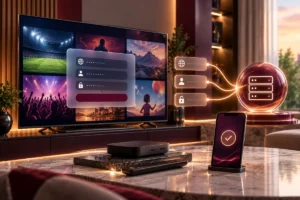
The Mega OTT Xtream service uses a commonly supported method for connecting an IPTV player to an account. Instead of typing or pasting a long playlist link, the customer enters three pieces of information:
| Login field | What it does |
|---|---|
| Server URL | Tells the player which service endpoint to contact |
| Username | Identifies the subscription account |
| Password | Authenticates that account |
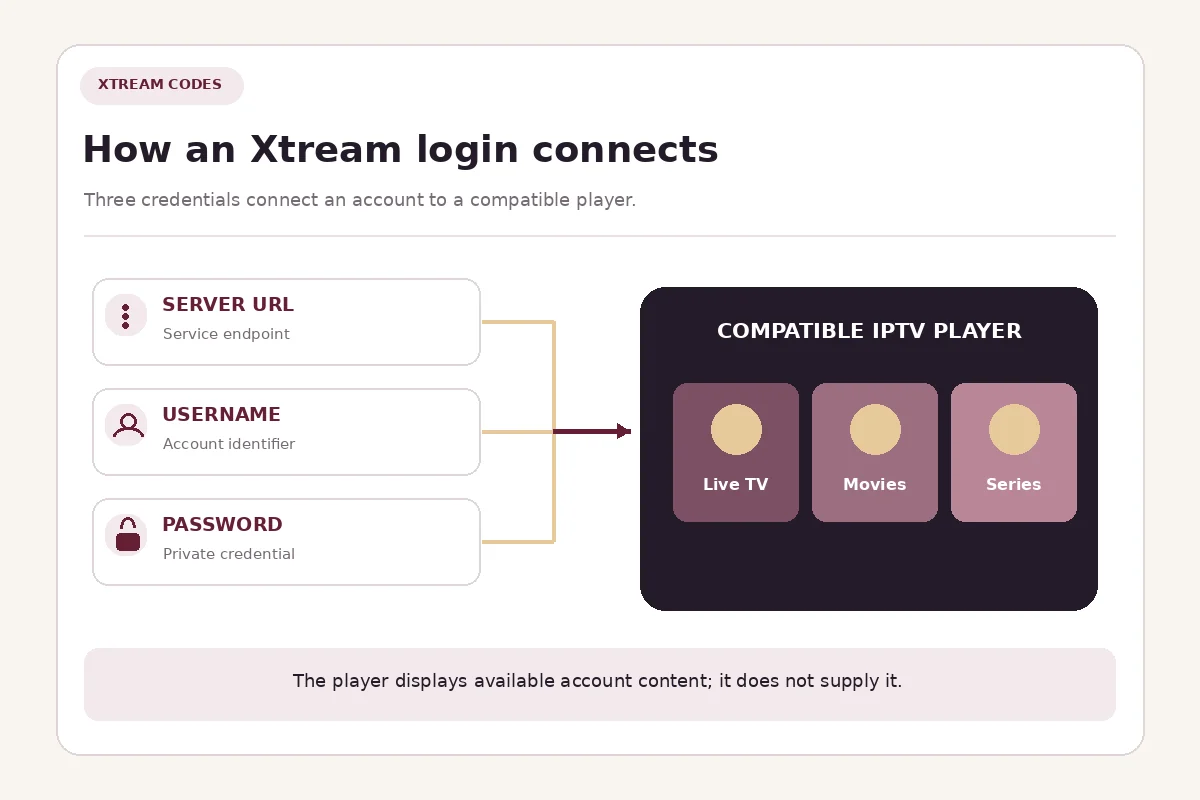
The server URL is not automatically the Mega OTT website address. Use the specific URL and any port number supplied with your account, and never publish your credentials in comments or support screenshots.
An Xtream-compatible player can retrieve available live-TV categories, on-demand libraries and guide information through the service interface, depending on what the account and player support. The M3U Editor client documentation illustrates the difference between an Xtream login and a separate M3U playlist URL.
Xtream Codes versus M3U
Both are ways to connect a supported player to content access, but they require different information.
| Method | Details you enter | Useful when |
|---|---|---|
| Xtream Codes | Server URL, username, password | The player supports an account-style login and organized content categories |
| M3U | Playlist URL | The app accepts playlist links, including simpler media players |
Mega OTT’s website also discusses Stalker/MAC connections for suitable devices, but that is a separately confirmed setup, not something to assume is included with every Xtream subscription. Tell support your exact device and app before requesting a portal-based login.
Mega OTT features that matter in daily use
Live TV, movies and series
Mega OTT offers live-TV and on-demand categories. Customers can ask about sports, news, entertainment, children’s programmes and channels from specific countries or language groups. A player may organize movies and series in separate menus, but the available titles and picture quality depend on the current account and content source.
Do not choose a subscription solely because a directory mentions a channel. For example, the Mega OTT USA channel guide is a way to identify preferred channels, not a guarantee that every listed feed is included. Ask about your essentials, then verify them during a trial.
One subscription on several devices, with screen limits
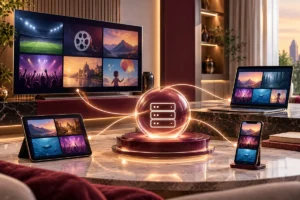
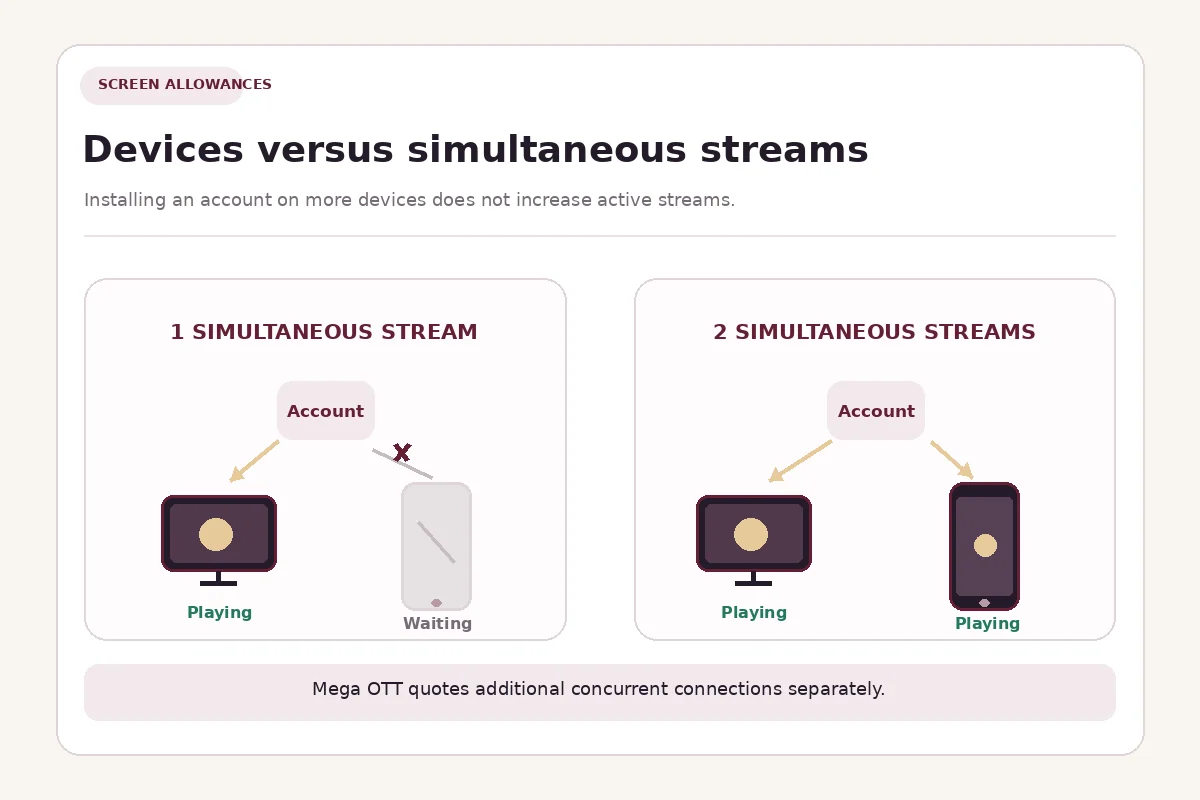
Mega OTT lets customers use compatible TVs, phones, tablets and computers. But the number of devices on which you can configure an account is different from the number that can play at the same time.
A standard Mega OTT retail plan includes one simultaneous stream. You could watch on a living-room TV in the evening and use your phone later, but you should not expect both to stream simultaneously with that standard allowance. Mega OTT offers additional connection options, up to five simultaneous screens, with separate pricing.
Consider a household with two televisions:
- One-screen account: You can switch between the TVs, but only one should be actively streaming at a time.
- Two-screen account: Both TVs can play at once within the purchased connection allowance.
Multiview is another distinction. For instance, the TiviMate IPTV Player listing on Google Play advertises a multiview feature. An app having a multiview button does not increase your Mega OTT stream allowance. Ask how many active streams your selected player and subscription will require.
You can compare the standard packages and request extra screens on the Mega OTT pricing page.
Choice of viewing app
A dedicated Mega OTT-branded app is not required when your device has a supported third-party IPTV player. One example is TiviMate for Android TV and other compatible television-oriented Android devices. Its developer explicitly states that TiviMate is a player, not a content provider. Player subscriptions or premium app features, where applicable, are separate from the Mega OTT service subscription.
Samsung Tizen TVs, LG webOS TVs, iPhones and Windows computers may need different applications. Verify the operating system, available app and supported login method rather than assuming one Android installation procedure works everywhere.
Guide and playback controls
Some players can display an electronic programme guide (EPG), favourites, catch-up options, parental controls or recording functions. Availability is not universal: it depends on the app, its version, the content feed and your account. If recording or catch-up matters to you, check that specific function before committing to a long subscription.
How to start using Mega OTT IPTV
For a new customer, an Xtream-compatible setup usually takes the following form:
- Choose a suitable IPTV player for your actual device and install it from a legitimate source.
- Open its playlist or account setup screen. Look for an option referring to Xtream Codes, Xtream API or a similar login method.
- Enter the supplied server URL, username and password. Include the exact protocol and port if your credentials contain them.
- Allow the player to load the account’s categories. The initial load may depend on the catalogue size, app and internet connection.
- Check playback on your own network. Try your priority channels or titles and confirm the guide and controls you need.
These are general Xtream setup steps, not a claim that every player uses identical menu names. If authentication fails, first recheck the three credentials and account activation. If the app loads channels but video fails, note whether the problem affects one channel or several before contacting support.
The site also provides device and connection guidance in its Mega OTT help centre.
What does Mega OTT cost, and can you try it first?
Mega OTT publishes these standard one-screen subscription prices in USDT:
| Subscription | Published price | Simultaneous streams included |
|---|---|---|
| 1 month | 7 USDT | 1 |
| 3 months | 18 USDT | 1 |
| 6 months | 30 USDT | 1 |
| 12 months | 55 USDT | 1 |
These are the site’s listed prices as checked on 27 October 2026, not quotes for two to five simultaneous screens. Extra connections are priced separately. The site also displays fixed, rounded EUR and CAD options; they are not real-time currency conversions. Confirm the final order total and any third-party player fees before paying.
A 24-hour trial is available for customers who want to check a real setup before subscribing. Use the trial to test your device, player, important channels, loading behaviour and network stability. If you intend to pay for simultaneous viewing, ask whether the trial can demonstrate your intended connection count.
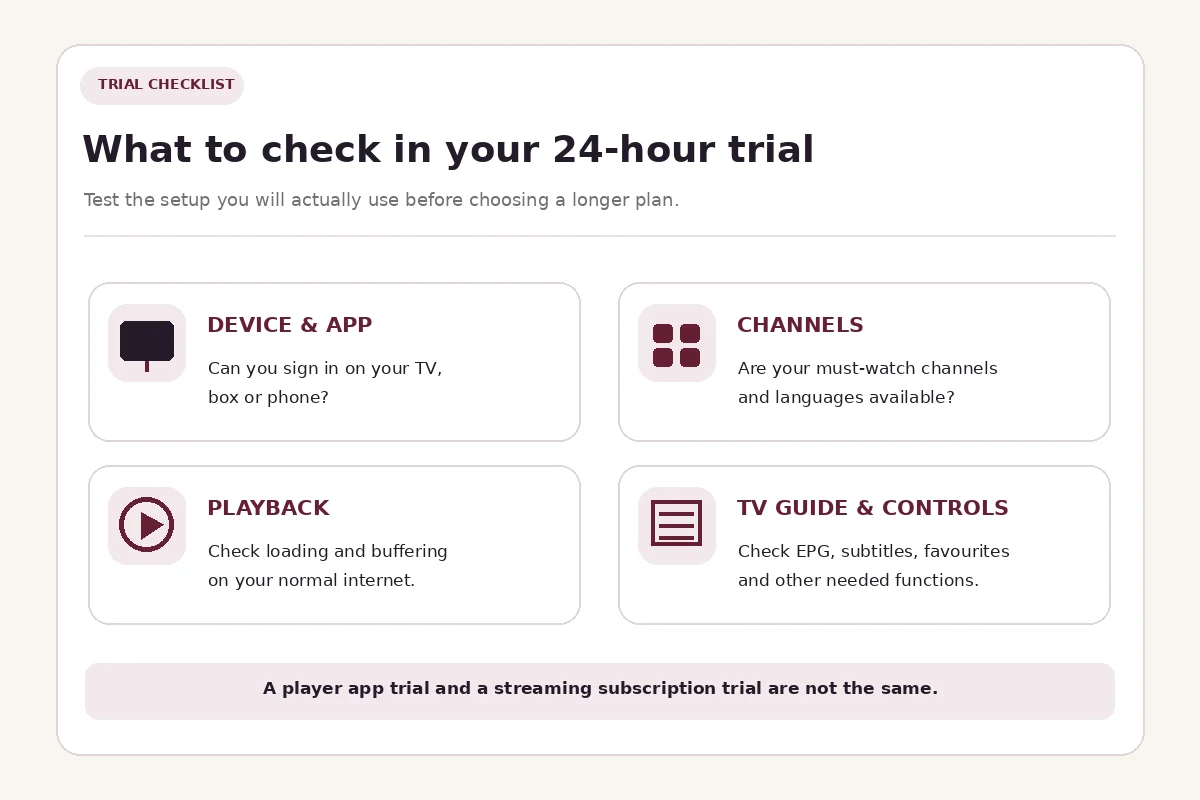
Request the Mega OTT 24-hour trial when you have your device details ready.
Does Mega OTT have a reseller panel?
Yes. Mega OTT has a separate credit-based reseller offering. Resellers use a dashboard to create customer subscriptions, manage renewals and allocate the credits required by account durations and connection counts. This is different from the customer-facing Xtream login used for watching television.
The site’s advertised starter reseller package contains five credits. Higher tiers include Mini Admin, Distribution and Master accounts with different management permissions. If you’re interested in selling subscriptions rather than watching them, use the Mega OTT reseller panel guide rather than purchasing a retail viewing package.
Common questions before subscribing
Is Mega OTT IPTV an app?
No. Mega OTT is the subscription service. Compatible IPTV players are the applications used to sign in and watch. Some player apps require a separate purchase or upgrade.
Can I watch Mega OTT on two TVs at once?
Only if your package permits at least two simultaneous streams. The standard advertised retail plans permit one active stream, while multi-screen packages can be requested separately.
Can I use one Mega OTT login on a Firestick and a phone?
You can ask support to confirm compatible player options for both devices. Configuring more than one device does not automatically entitle you to watch on both simultaneously.
Does Xtream Codes guarantee an EPG, 4K or catch-up?
No. Xtream Codes is a login and content-information interface. Programme guides, resolution and replay features depend on what the account, content source and player actually support.
How do I check if a specific channel is included?
Send Mega OTT the channel name, country or language and your chosen player. Check the current selection during the 24-hour trial rather than relying only on a published directory.
Conclusion
Mega OTT IPTV is best understood as Xtream-compatible subscription access that works through supported IPTV players, with M3U available for appropriate setups. Its useful choices are device flexibility, a test-before-buying trial and optional simultaneous-screen allowances—not a promise that one standard connection plays unlimited streams.
If you are new to the service, identify your device and preferred channels, then use the 24-hour Mega OTT trial to confirm playback. Choose a paid plan only after you know whether one active stream is enough or your household needs a multi-screen allowance.